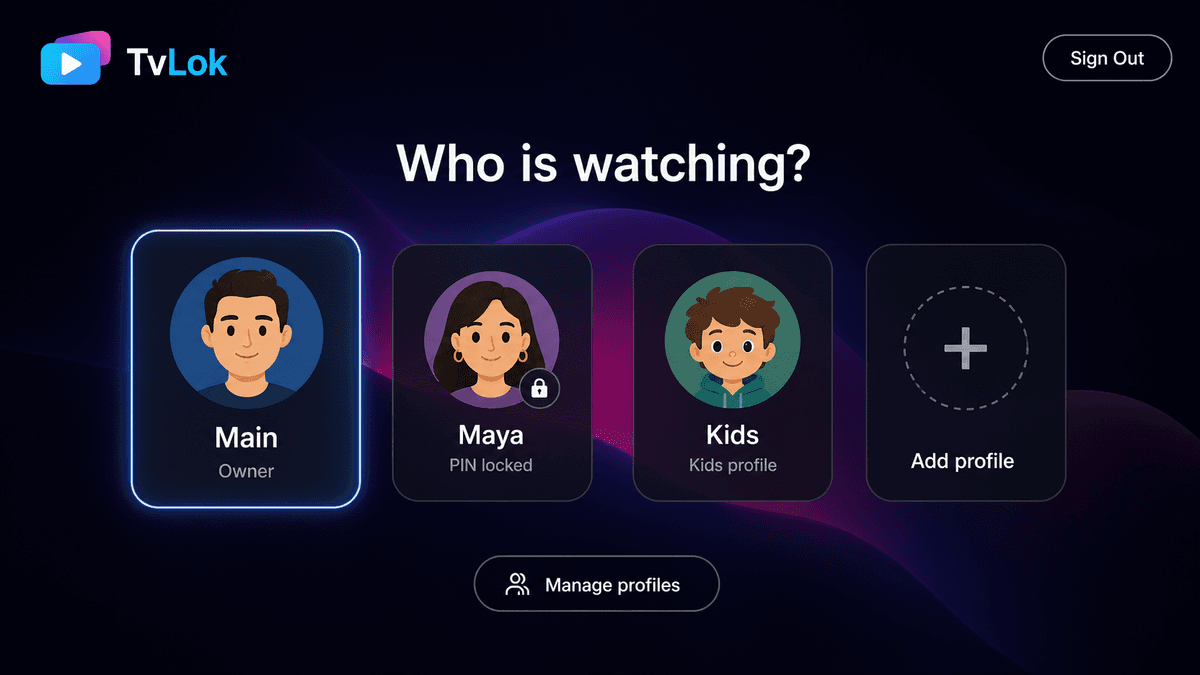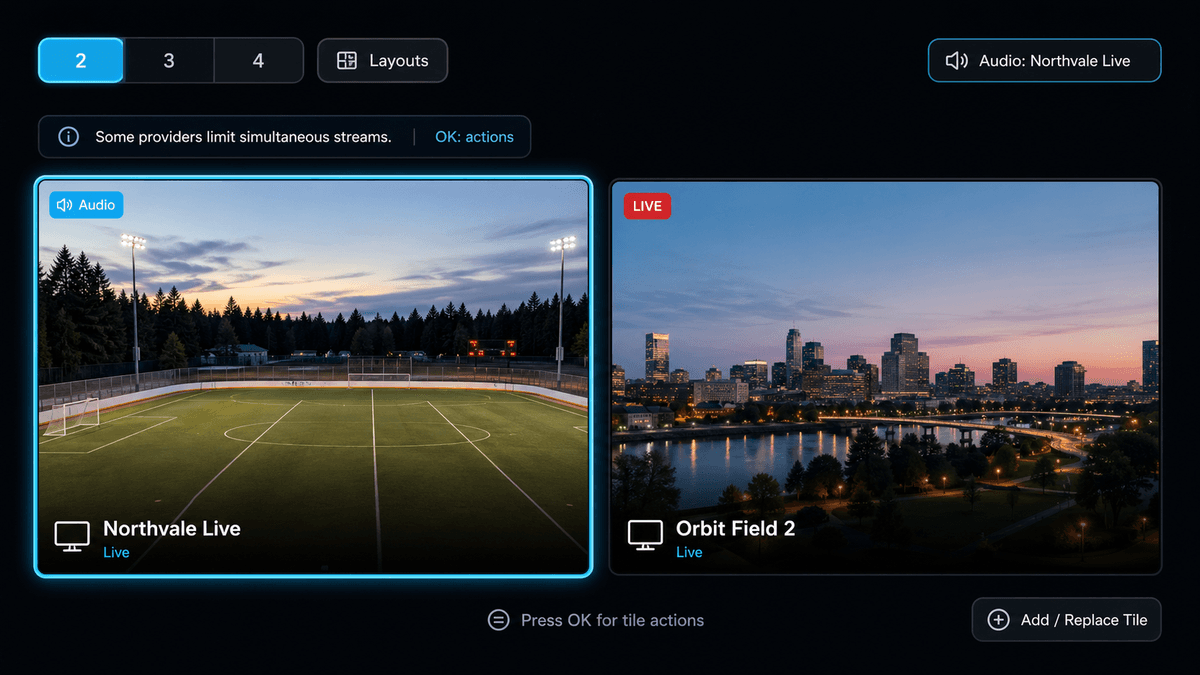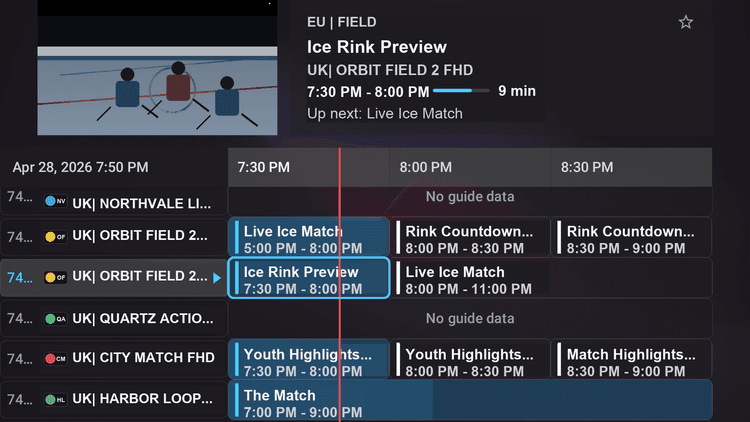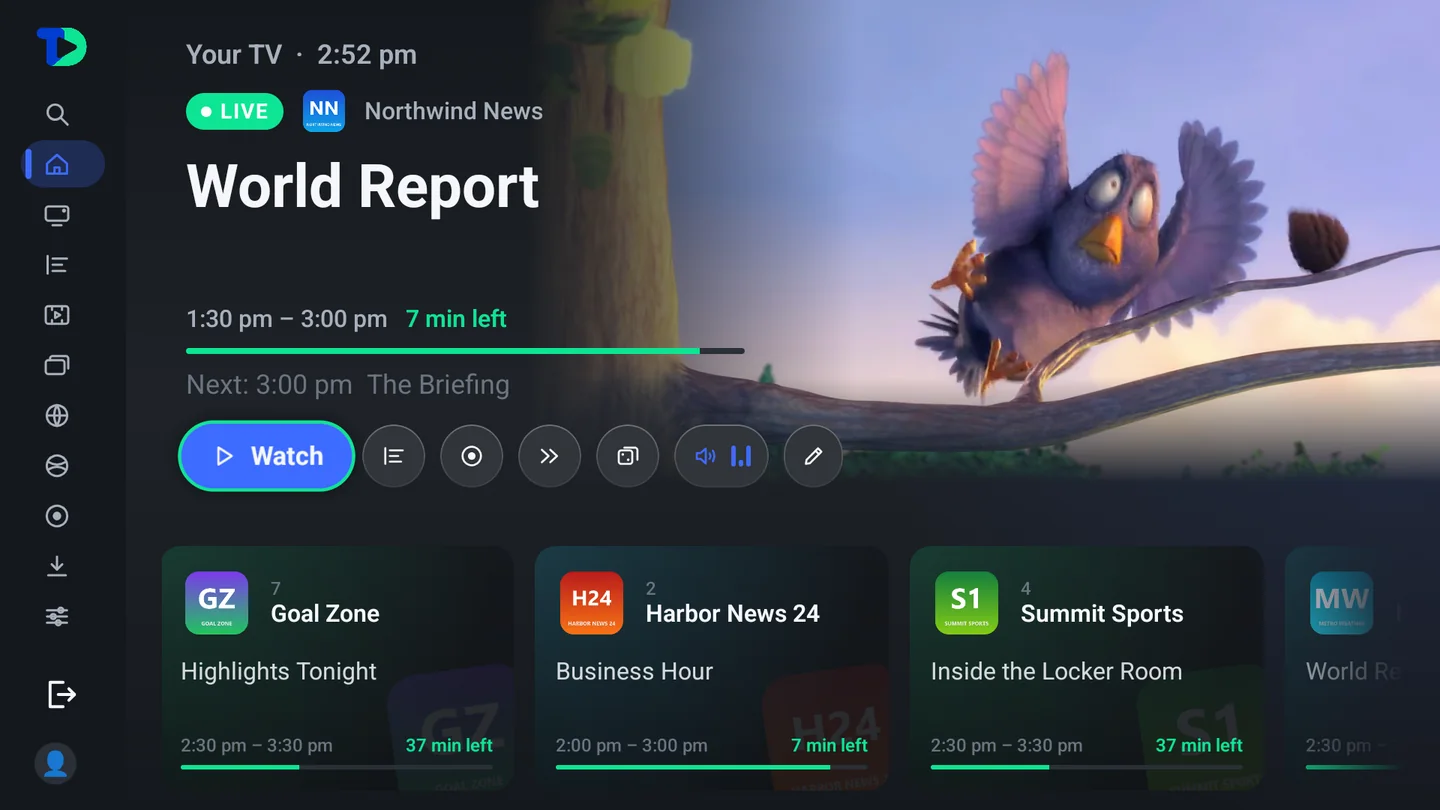
IPTV SOFTWARE GUIDE · 2027 DIRECTORY

Best Free IPTV Players 2027: Compare Free & Freemium Apps

Compare the best free and freemium IPTV players for 2027, including TiviMate, TVLok, TiviDeck, NoBuffr, mtivi, IMD TV, Forge TV, ORBITA and Stream Goat. Explore real app screenshots, supported devices, M3U and Xtream compatibility, free features, Premium options and official download links.

Android TV & Fire TVApple TV & iOSWindows & macOSM3U · Xtream · EPG
How to use this directory: Start with the device section that matches your screen, review the app details and pricing label, then follow the official link to verify current availability. Image note: Screenshots are displayed without cropping so the interface remains readable. Select any screenshot to open the original image in a new tab. For long-term reliability, upload permitted copies to your own WordPress Media Library and replace the image URLs with your own Media Library URLs.
Before you install: IPTV players are software, not TV subscriptions. Most do not include channels or playlists. You add your own authorised source. “Free” can mean fully free, free core features, an optional paid upgrade or a beta build; the labels below explain the difference.

More free and freemium IPTV players for 2027

Six additional apps and community projects, researched from their official websites or repositories. Pricing labels reflect the information currently published by each developer; check the linked page before installing or purchasing.

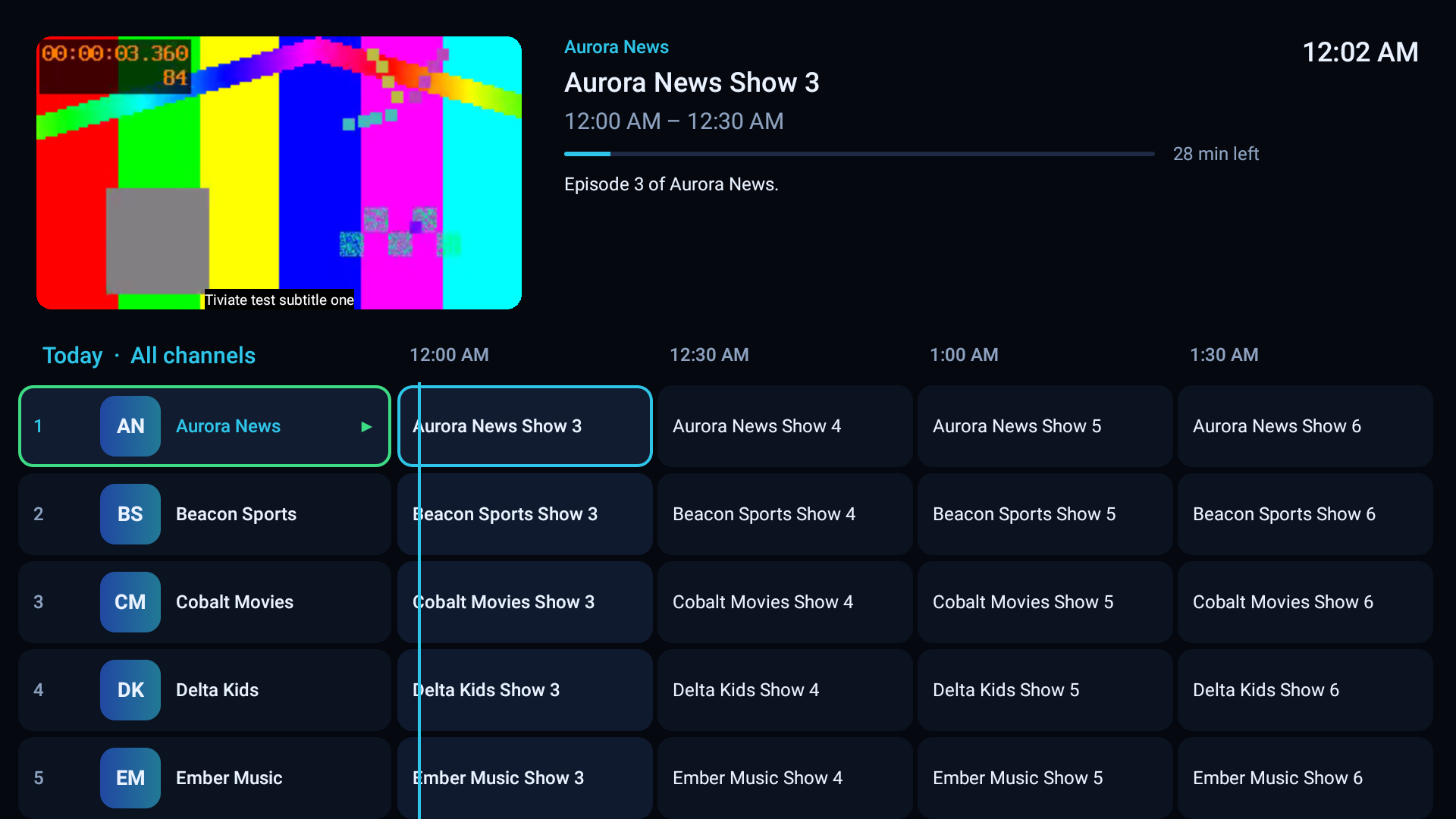
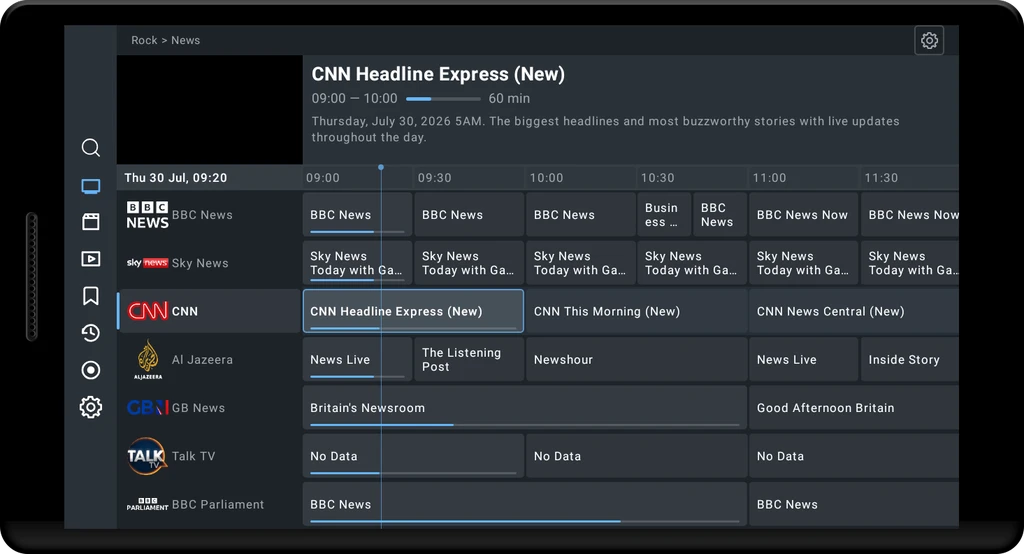
IMD TV Android TV live programme guide with channel preview
IMD TV official website screenshot · Live guideClick image to enlarge

16. IMD TV

Free · open source

IMD TV is a free, open-source IPTV app built specifically for Android TV and Google TV. It plays user-owned Xtream or M3U playlists and focuses on fast remote navigation, a seven-day programme guide, channel previews and playlist organisation.

  • What stands out: no ads, tracking or feature paywalls according to the developer; guide data can be supplemented with open-source EPG sources.
  • Supported devices: Android TV and Google TV running Android 8.0 or newer.
  • Pricing note: the project describes itself as completely free and open source, with no subscription or licence unlock.
Android TV · Google TV · M3U · Xtream Codes · EPG · GPL-3.0
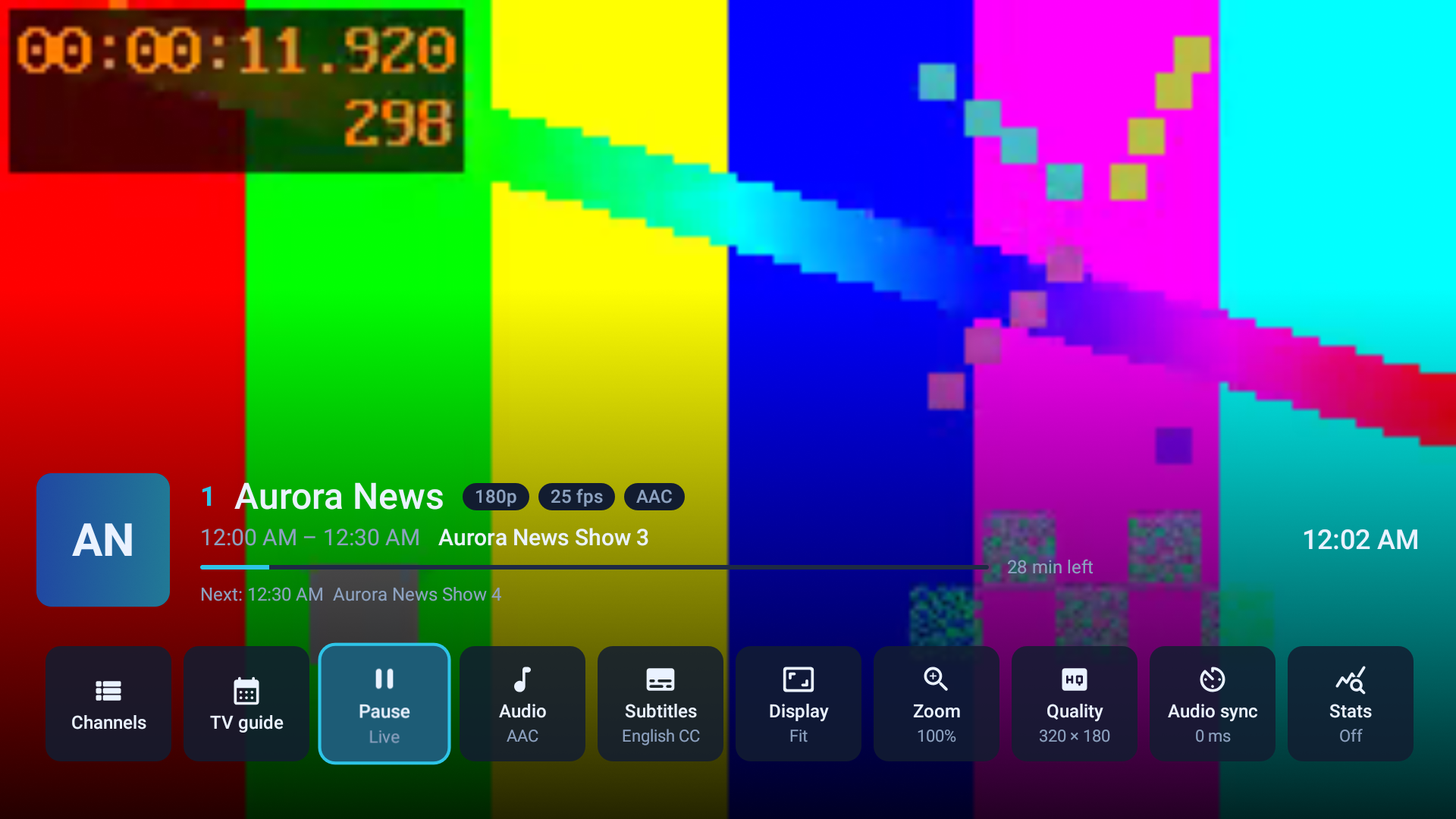
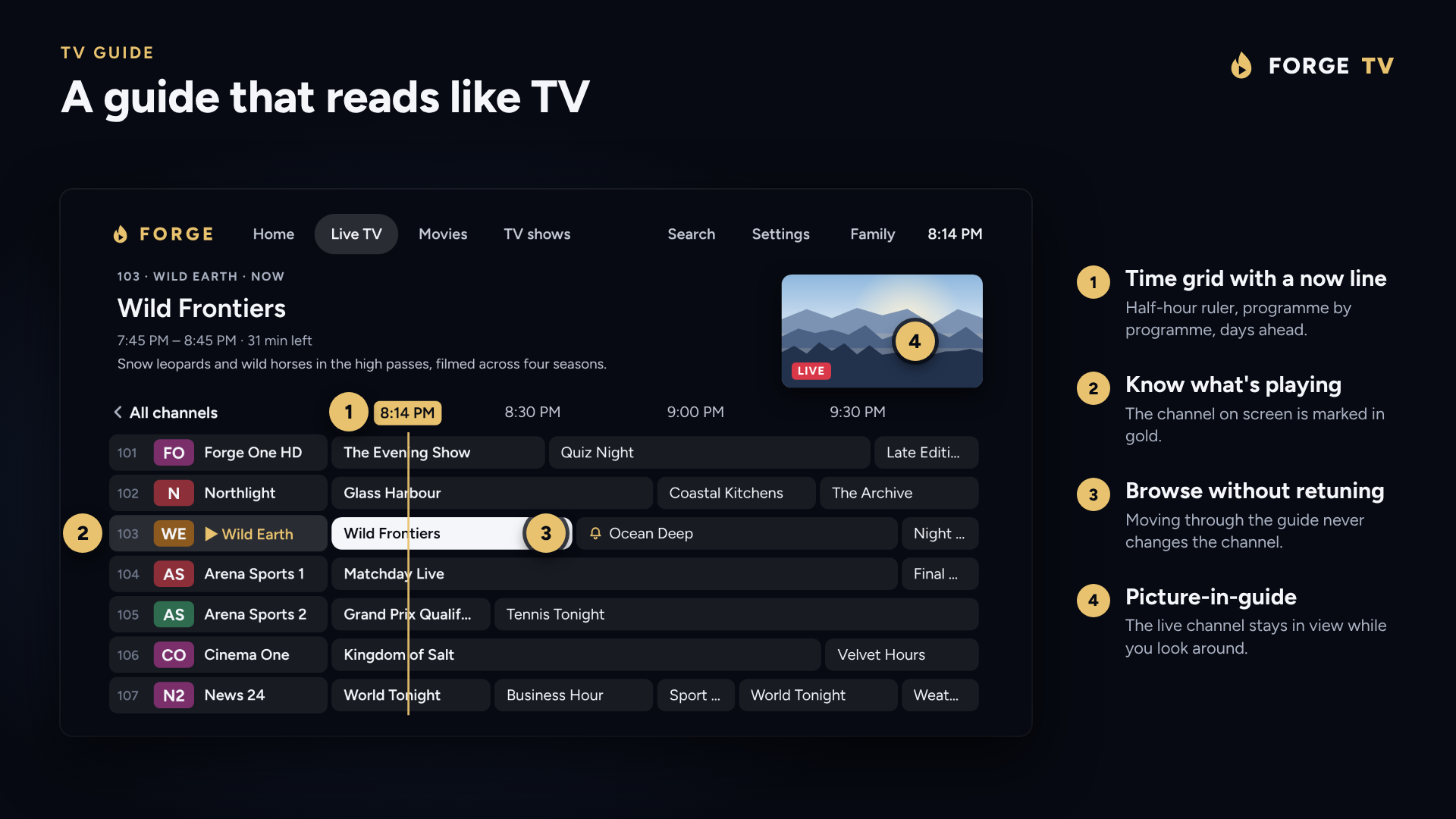
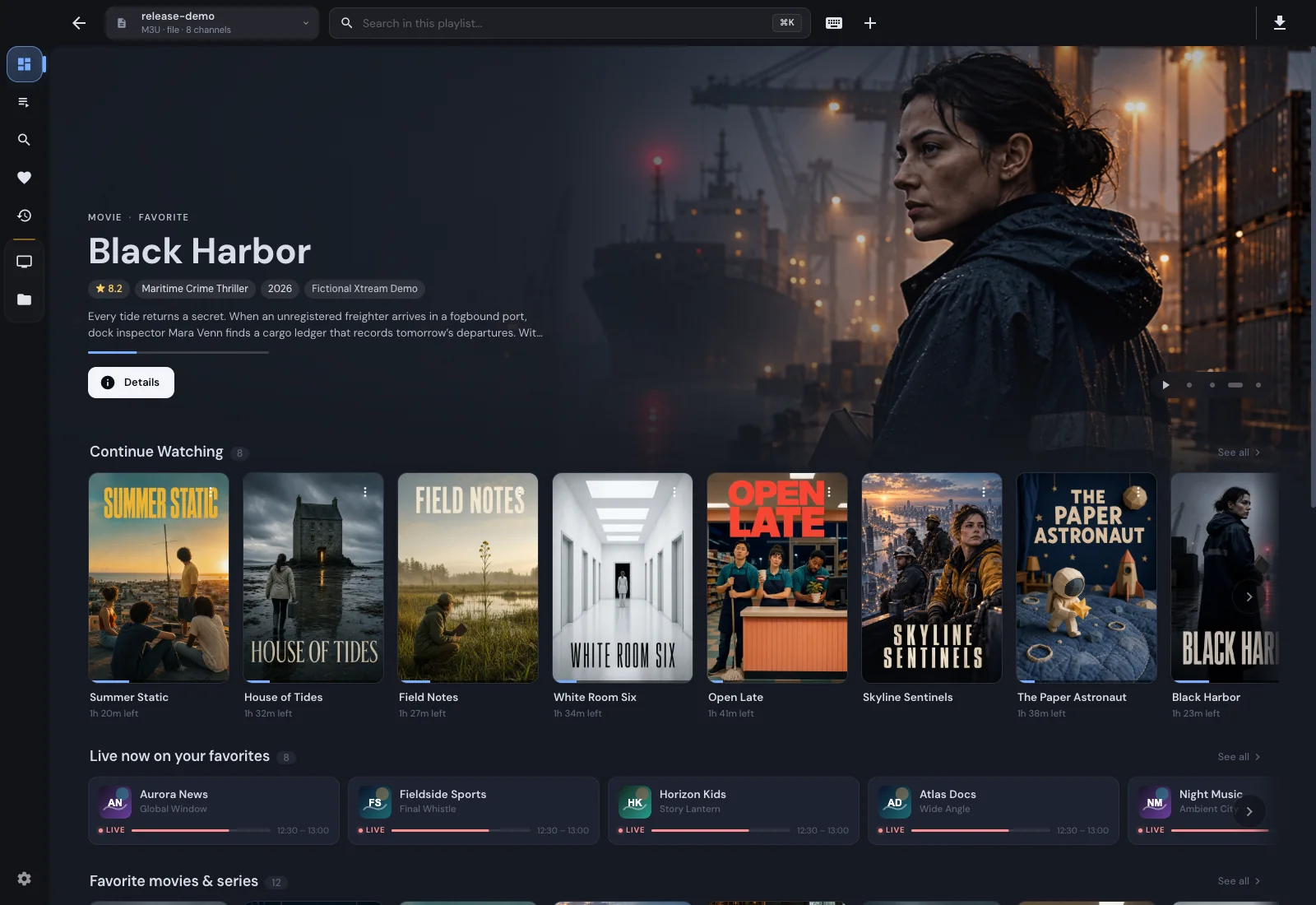
Forge TV developer-created mockup of its Android TV live programme guide
Forge TV developer-created interface mockup · TV guideClick image to enlarge

17. Forge TV

Free to download and try

Forge TV is an IPTV player for Android TV and Google TV, with M3U, Xtream Codes and Stalker portal support. Its feature set includes a live guide, movies and series library, sports hub, catch-up, reminders, profiles, picture-in-picture and multiscreen.

  • What stands out: remote-first interface, sports discovery, up to four live screens and encrypted sync using storage you control.
  • Supported devices: Android TV, Google TV, Android phones and tablets, plus supported VR headsets. The developer describes Android 6.0+ compatibility.
  • Pricing note: the official site currently says free to download and try and offers optional developer support; it does not clearly publish a subscription price, so check the current release/site for terms.
Android TV · Google TV · Android · M3U · Xtream Codes · Stalker
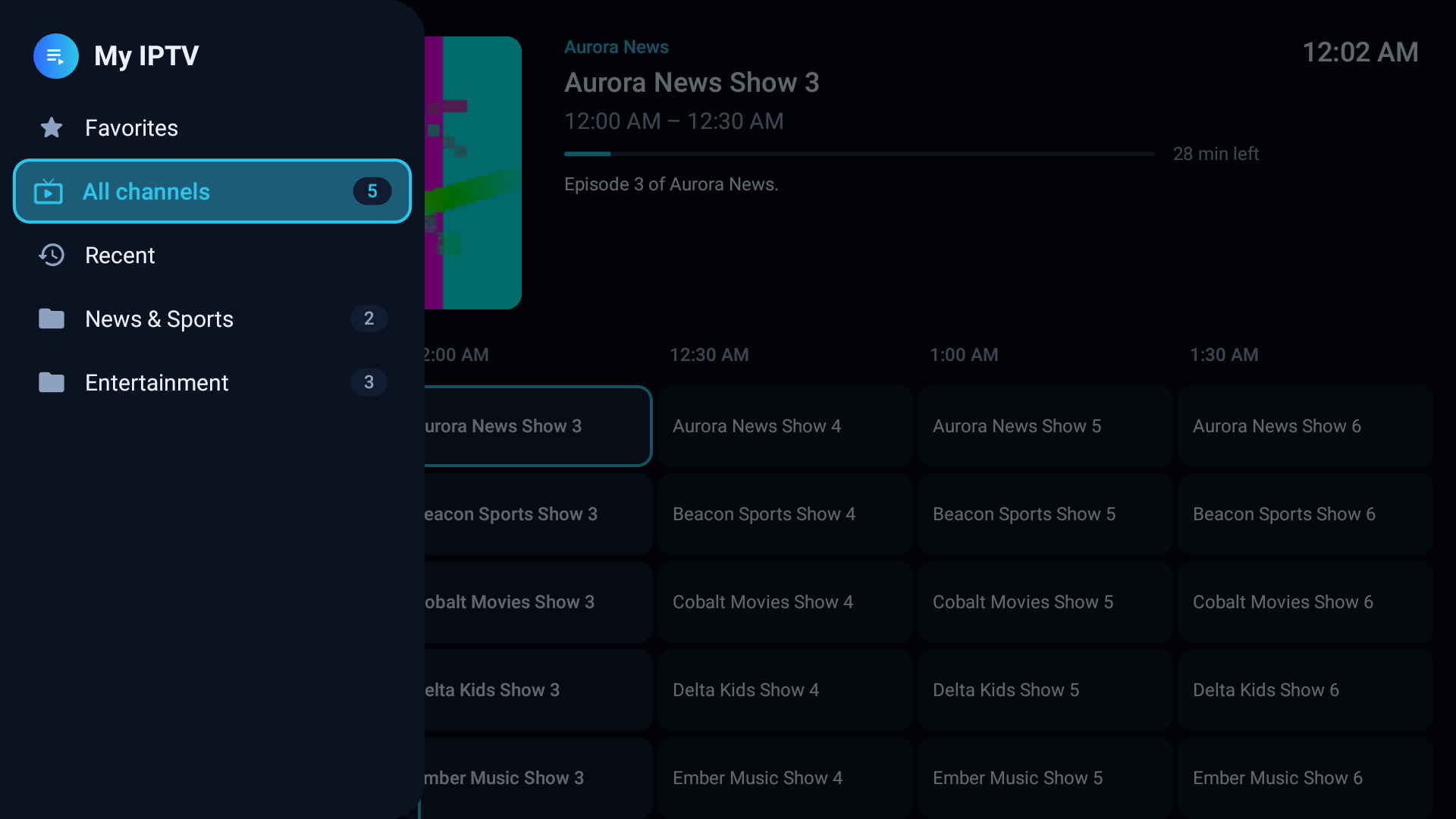
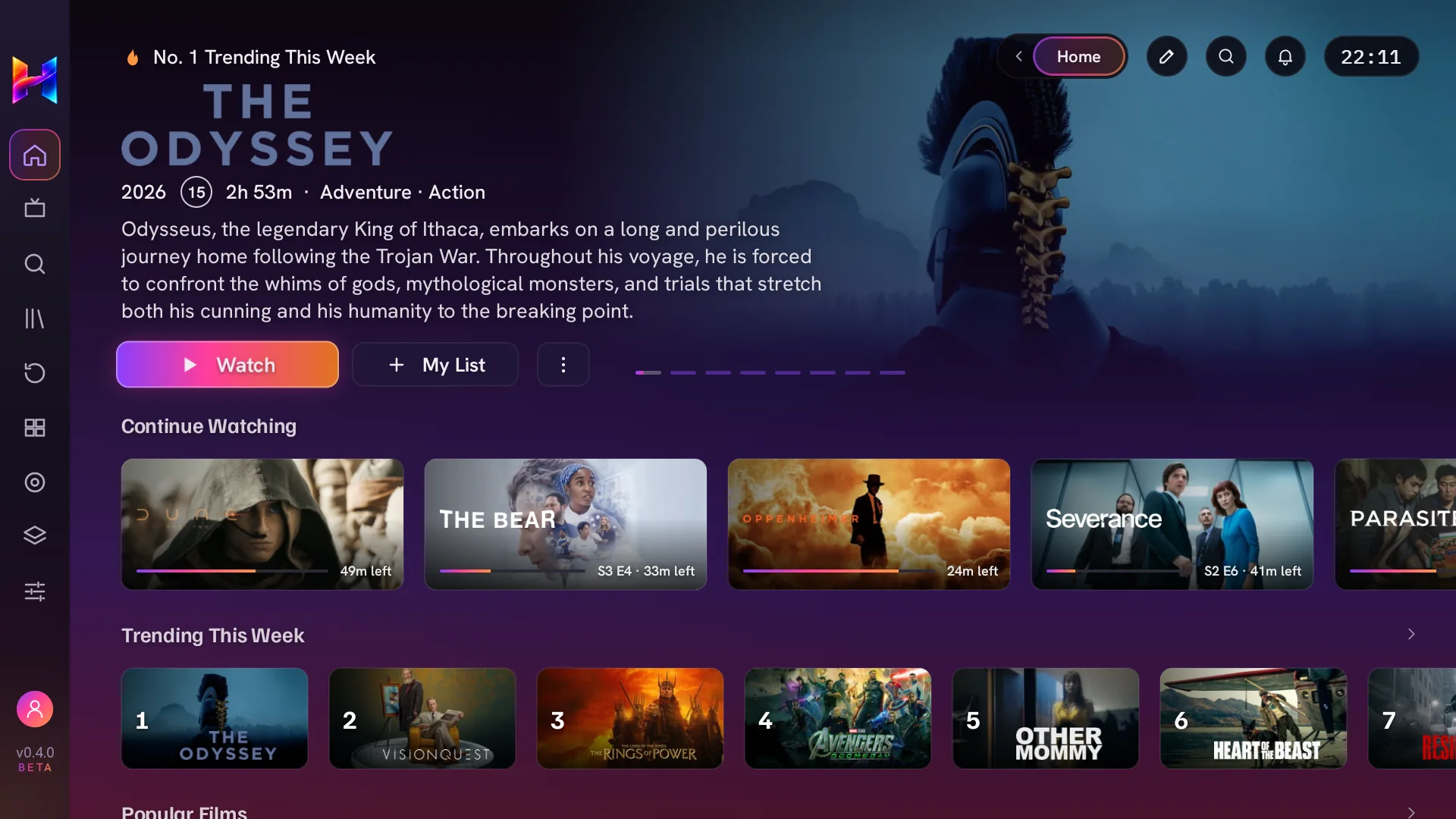
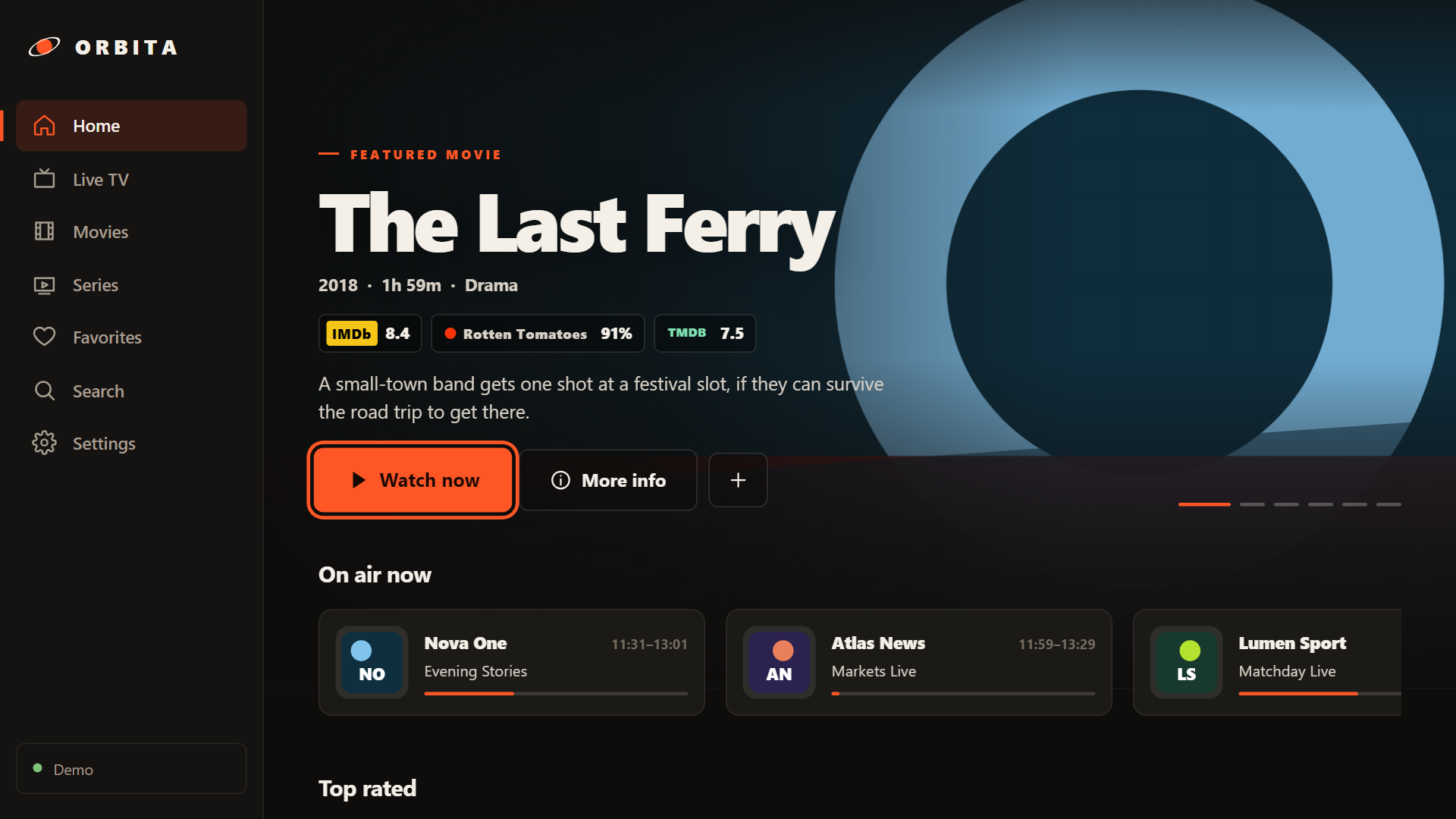
ORBITA IPTV player home screen on a television
ORBITA GitHub repository screenshot · Home screenClick image to enlarge

18. ORBITA

GitHub project · free download

ORBITA is a playlist-based IPTV player for Fire TV, Firestick, Android TV and desktop browsers. It supports Xtream Codes and M3U playlists, live TV with EPG and catch-up, movies, series, favourites and continue-watching.

  • What stands out: QR-based playlist setup from a phone, channel guide, catch-up where the source supports it, and optional TMDB/OMDb artwork and ratings.
  • Supported devices: Fire TV / Firestick and Android TV (Android 6 / Fire OS 6 or newer), plus a PC browser using its local server.
  • Pricing note: the repository provides installation instructions and APK releases. The README does not state a paid plan or clearly identify a software licence; check repository details before redistribution.
Fire TV · Android TV · PC browser · M3U / Xtream Codes · XMLTV
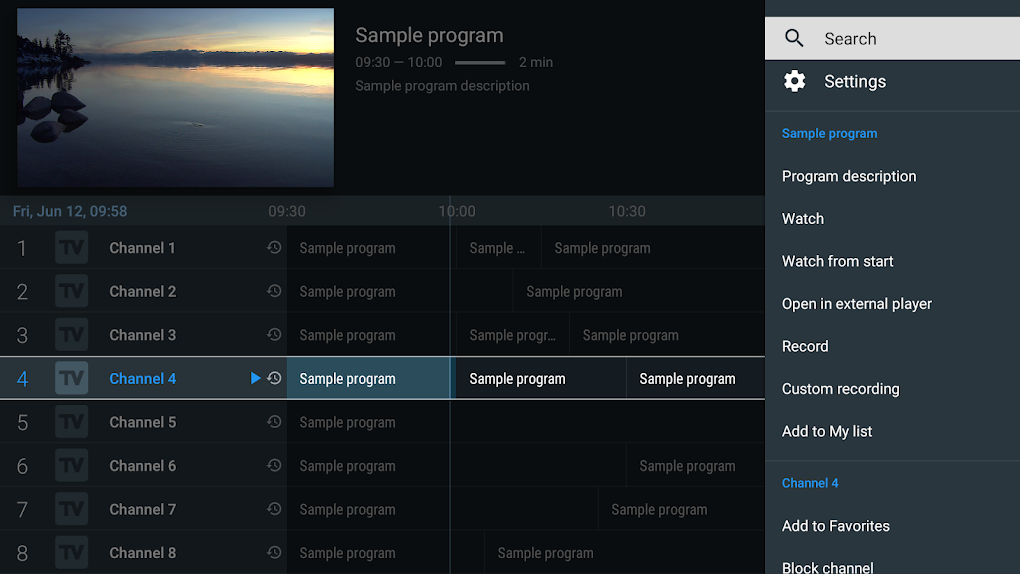
Stream Goat Live TV electronic programme guide on desktop
Stream Goat official website screenshot · Live TV guideClick image to enlarge

19. Stream Goat

Free · open source

Stream Goat is a free, open-source media player for Windows, Linux, Android and Android TV. Alongside movies, series and anime through CloudStream extensions and Stremio add-ons, it includes Live TV support for M3U playlists, XMLTV guides and Xtream Codes logins.

  • What stands out: one cross-platform interface, built-in VLC playback, subtitle translation, HDR support on compatible Android screens, downloads and profiles.
  • Supported devices: Windows 10/11, Linux, Android phones/tablets and Android TV. iPhone and iPad users can use its browser-based web version rather than a native iOS app.
  • Pricing note: the project is published as free and open source under GPL-3.0.
Windows · Linux · Android · Android TV · Web version · M3U / Xtream · GPL-3.0
Pricing and licence accuracy: NoBuffr is currently free during beta; mtivi keeps a free player after its trial with optional paid tiers; IMD TV and Stream Goat identify themselves as free/open source; Forge TV is advertised as free to download and try, with no clear public subscription price on its site; ORBITA has free GitHub releases, but its README does not specify a licence. These are not interchangeable pricing models.

Free IPTV players for Windows and desktop

These are dedicated desktop options found through GitHub and official project websites. ynoTV belongs in the Windows section—not in the Android TV list.

ynoTV Windows IPTV player EPG screenshot
ynoTV screenshot published with its GitHub projectClick image to enlarge

11. ynoTV

Free · open source

A feature-rich Windows IPTV player built with Tauri and mpv. Supports M3U, Xtream Codes and Stalker portals, EPG preview, VOD, sports views, stream checking, multiview, catch-up, recording/DVR and integrations with Stremio and Nuvio.

  • What stands out: native desktop playback built around mpv, with support for several common IPTV source types and advanced viewing tools.
  • Best for: Windows users who want a dedicated desktop application rather than running a mobile app in an emulator.
  • Technical note: check the latest release notes and Windows requirements; open-source licensing and active development status matter if you plan to use it regularly.
Windows · M3U / Xtream Codes / Stalker · AGPL-3.0
IPTVnator desktop dashboard screenshot
Official IPTVnator website screenshot · Desktop dashboardClick image to enlarge

12. IPTVnator

Free · open source

A cross-platform IPTV player with M3U/M3U8, Xtream Codes and Stalker support. Includes channel groups, search, favourites, XMLTV/EPG, catch-up, VOD libraries, downloads and a self-hosted browser option.

  • What stands out: cross-platform availability, channel grouping, search, favourites and XMLTV programme-guide support.
  • Best for: users who switch between Windows, macOS, Linux or a browser-based setup.
  • Technical note: the project is open source under MIT; consult its current release page for the recommended installation package and known issues.
Windows · macOS · Linux · Browser · MIT licence
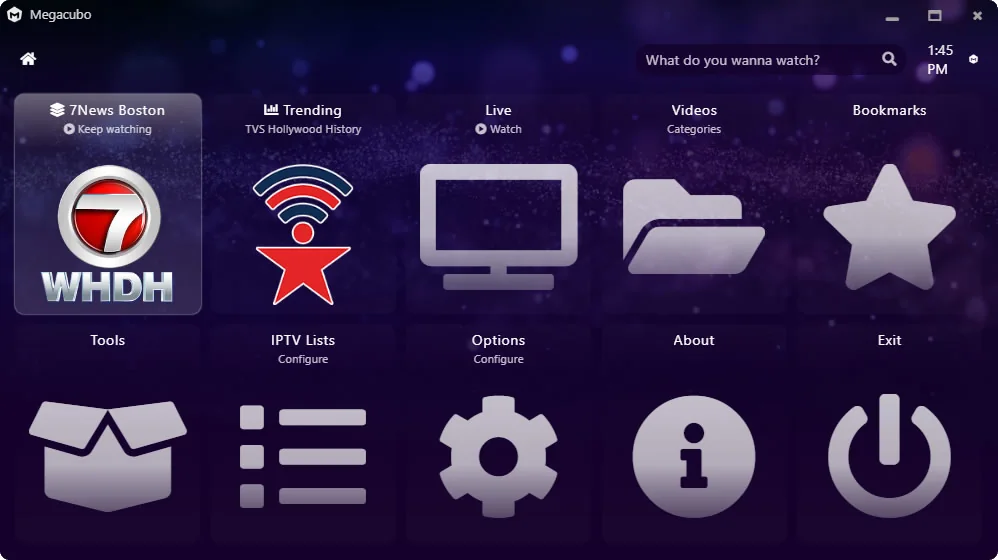
Megacubo desktop IPTV player main window screenshot
Official Megacubo website screenshot · Main windowClick image to enlarge

13. Megacubo

Free · open source

A free M3U/IPTV player with a programme guide, bookmarks, history and miniplayer. Optional Premium adds recording, downloads, scheduled recordings and casting.

  • What stands out: a relatively straightforward M3U-focused experience with programme guide, bookmarks, history and a mini-player.
  • Best for: desktop users who prefer a familiar all-in-one player and may want optional recording or casting features.
  • Trade-off: some advanced tools are part of Premium; compare the free feature set with your actual needs.
Windows · macOS · Linux · Android · GPL-3.0
More Windows projects found on GitHub: AndyTV (lightweight M3U player), Onyx (local-first Windows player), Klipa Desktop (Windows/Linux, early pre-release) and Accessible IPTV Client (Windows/Linux, keyboard and screen-reader focused). Their project pages are linked below. We have not inserted invented screenshots for these projects where a suitable official app screenshot was not clearly available.
AndyTVWindows · M3U · MIT licence · GitHub & releases
OnyxWindows · local-first · libmpv · GitHub
Klipa DesktopWindows / Linux · M3U / Xtream · pre-release · GitHub
Accessible IPTV ClientWindows / Linux · accessibility-focused · GitHub

Players for Apple devices

Some of the players above also have Apple versions. Check the current App Store listing for regional availability and in-app purchases.

iMPlayeriPhone · iPad · Apple TV · App Store
OpenIPTViPhone / iPad · free with no paid upgrades · App Store
Bro IPTV PlayeriPhone / iPad / Mac / Apple TV · free and open source · GitHub
TiviDeckiPhone · free download, 7-day Premium trial, then Basic free · App Store
ZaplyApple-focused player · Official features
TiviMiniCheck platform-specific features/pricing · Official website
Popko betaApple TestFlight invitation; verify current availability · Join TestFlight

Quick comparison

Use this as a starting point; device support and pricing can change between releases.

PlayerBest fitPricing typeOfficial link
TubPlayerAndroid TV / compatible Fire TVCompletely freeWebsite
TiviateAndroid TV / Fire TVFree / open sourceGitHub
TiviMateAndroid TV / Google TVFree version + PremiumWebsite
TVLokAndroid TV / Fire TV / iOS / desktop beta7-day trial + paid plansWebsite
TiviDeckAndroid TV / Fire TV / Android / iPhoneFree Basic + PremiumWebsite
TiviGlassAndroid TV / Fire TVFree core + PremiumWebsite
Nerdy PopcornAndroid TV / Fire TVFree mode + trial / paid plansWebsite
OTT NavigatorAndroid / Android TV / Fire TVAd-supported + PremiumFAQ
iMPlayerAndroid / Apple devicesTrial + paid PremiumWebsite
Haven IPTV PlayerAndroid TV / Fire TV / WebFree betaWebsite
ynoTVWindowsFree / open sourceGitHub
IPTVnatorWindows / macOS / Linux / WebFree / open sourceWebsite
MegacuboWindows / macOS / Linux / AndroidFree + optional PremiumWebsite
NoBuffrApple TV / Android TV / iOS / AndroidFree during beta; launch plans plannedPricing
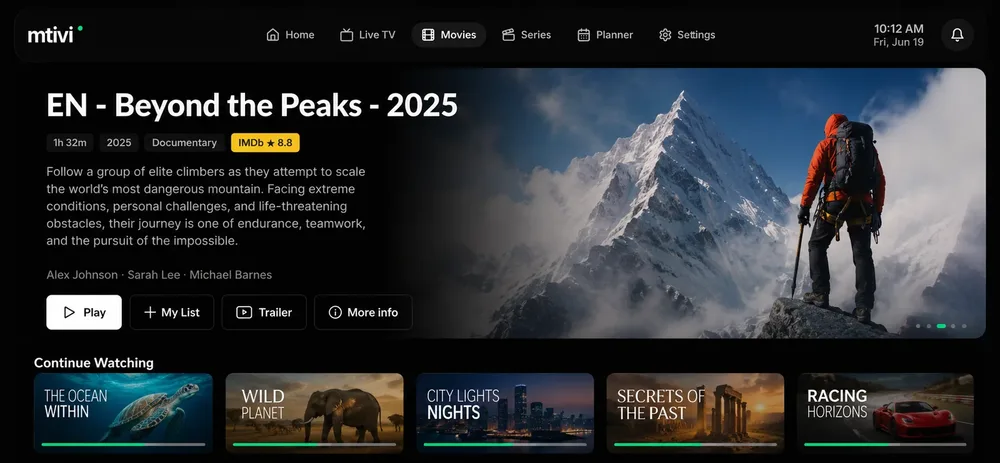
mtiviAndroid / Android TV / Fire TVFree player + optional Pro / MaxPlans
IMD TVAndroid TV / Google TVFree / open sourceProject page
Forge TVAndroid TV / Google TV / AndroidFree to download and try; paid terms not statedWebsite
ORBITAFire TV / Android TV / PC browserFree GitHub release; licence not stated in READMEGitHub
Stream GoatWindows / Linux / Android / Android TV / WebFree / GPL-3.0Website

More community and platform-specific players

These were also included in our wider research list. Use the official project page or app listing to confirm the exact app, current release and pricing before installing.

OpenTVAndroid TV / Fire TV / phones · free, open source · GitHub
TuvoraFree, GPL-3.0 open-source player · Official site
Bro IPTV PlayeriPhone / iPad / Mac / Apple TV · free, open source · GitHub
OpenIPTViPhone / iPad · free, no paid upgrades · Apple App Store
Sohva TVAndroid TV project · GitHub
Nuvio+ IPTV MobileMobile beta builds · Releases
Nyx PlayerCommunity project · GitHub
VesperTVMedia player · Official website
LumoraAndroid project; non-commercial licence · GitHub
XtivioAndroid app · Google Play
TellyboxAndroid TV project · GitHub releases
GolkuFree tier + optional Plus · Official website
TiviMiniFree and platform-specific paid options · Official website
KDTIVIFreemium · Official website
ZaplyApple player · Official features
PopkoTestFlight beta · TestFlight

How to set up an IPTV player

The exact screens differ by app, but the normal setup process is similar.

  1. Install the player from its official website, verified app store listing or GitHub release.
  2. Open the app and choose the connection option supported by your provider, such as M3U playlist, Xtream Codes or a supported portal.
  3. Enter your authorised playlist URL or login details carefully. Avoid sharing credentials in screenshots or public forums.
  4. If your provider supplies an EPG/XMLTV address, add it in the programme-guide settings and refresh the guide.
  5. Test a few channels and check audio, subtitles, time zone, playback format and catch-up availability.
  6. Save a backup of your playlist settings securely. Do not install unknown APKs or executables from unofficial download sites.
Compatibility tip: A player can support M3U or Xtream and still behave differently depending on the provider's stream format, EPG quality, device hardware and network. Confirm compatibility with a trial playlist before purchasing a long subscription.

Installation, privacy and safety

  • Download from the developer's own website, official app store or verified GitHub release page.
  • Check the exact app publisher. Similar app names do not necessarily mean the same product.
  • Review app permissions, privacy policies, update history and licensing terms.
  • Keep playlist URLs, Xtream credentials and portal details private.
  • Open-source does not automatically mean unrestricted commercial use. For example, Lumora's repository specifies a non-commercial licence.
  • Only add playlists and streaming services you are authorised to access.

Frequently asked questions

Which free IPTV player should I try first?

For Android TV, start by comparing TubPlayer and TiviGlass. Nerdy Popcorn is another option with a no-expiry free mode and a seven-day full-access trial. On Windows, ynoTV and IPTVnator are strong open-source desktop choices.

Is OTT Navigator completely free?

OTT Navigator has a free version, but its Google Play listing says it contains ads and the app also offers in-app purchases. Confirm the current Premium features in its official FAQ.

Is Haven the same as a traditional M3U IPTV player?

No. Haven focuses on Stremio-compatible add-ons and personal media servers such as Plex, Jellyfin and Emby. It is not a standard Xtream Codes or M3U login client.

Does an IPTV player include channels?

Generally no. The player displays sources you add. You need your own authorised playlist or media source.

Which Windows IPTV players are worth testing?

ynoTV, IPTVnator and Megacubo are dedicated desktop options. AndyTV, Onyx and Klipa Desktop are additional GitHub projects at different stages of development.

Why do some apps have screenshots and others only links?

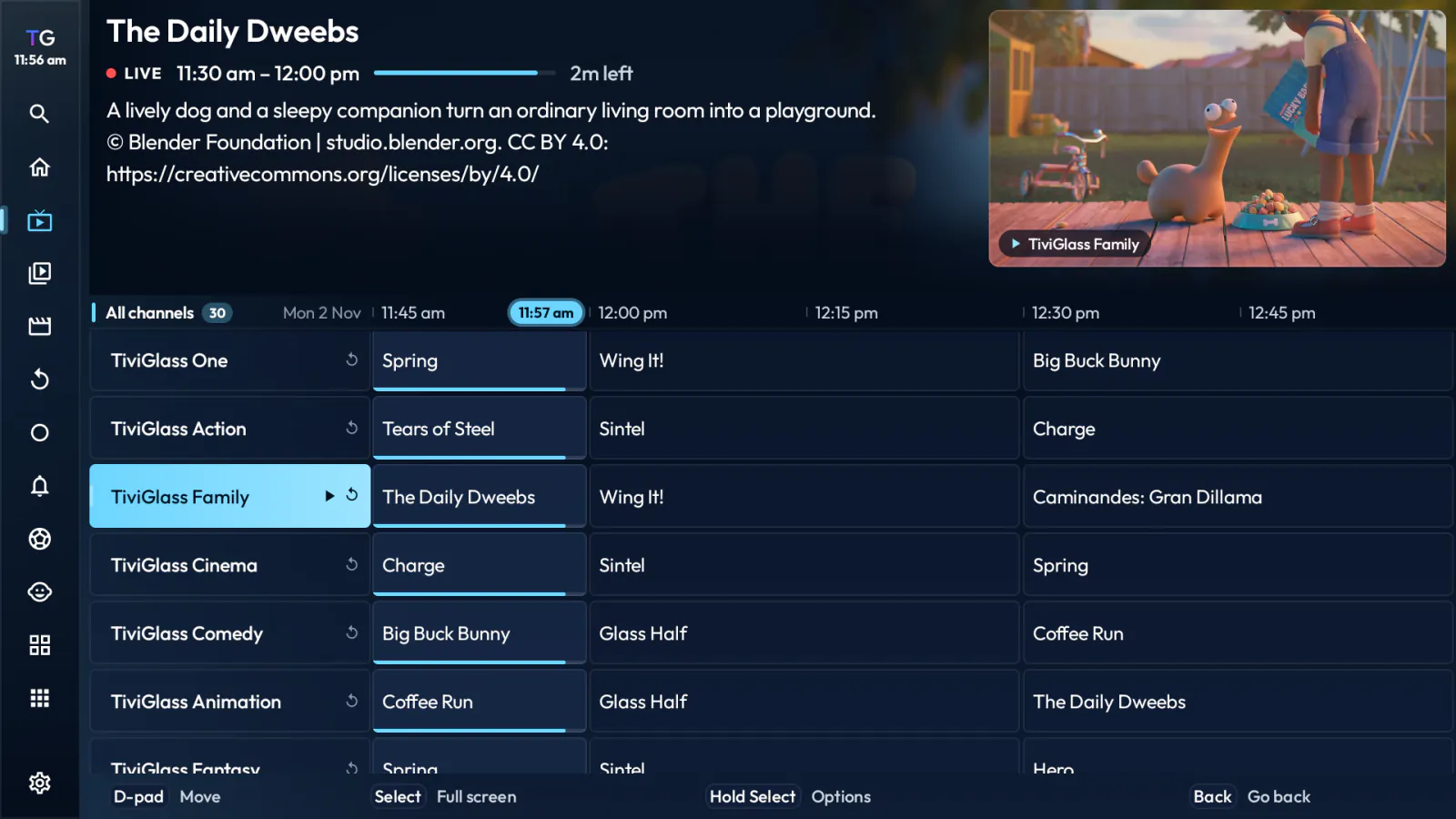
The visual cards use screenshots published by the developer's website, official GitHub project or app-store listing. Where we could not verify an official app screenshot, we have not substituted an unrelated image or generated a fake interface.

Final thoughts

The best IPTV player depends on your device, playlist format, desired features and budget. TubPlayer and TiviGlass are worth comparing for Android TV and Fire TV. Nerdy Popcorn and OTT Navigator offer different feature and pricing models. For Windows, ynoTV and IPTVnator stand out as dedicated desktop projects, while Megacubo offers a straightforward cross-platform option.

Screenshots are linked from the respective developers' websites, official project pages or app-store listings. App features, pricing, device support and beta availability can change; check the official links before installing. This directory is an independent compatibility guide, not an endorsement of any IPTV service.